
Blog / For brokers
For brokersNobody else should see my customer list. How do I keep it private?
Freight agents want their customers kept to themselves. Why shared boards show everyone everything, what that risks, and how to pick who sees each customer.
On some shared boards, every agent and office under the same brokerage sees every customer and every load, so your customer list is one screenshot away from somebody else's desk. Others give you one switch for the whole board, so you either share everything or hide everything.
Example
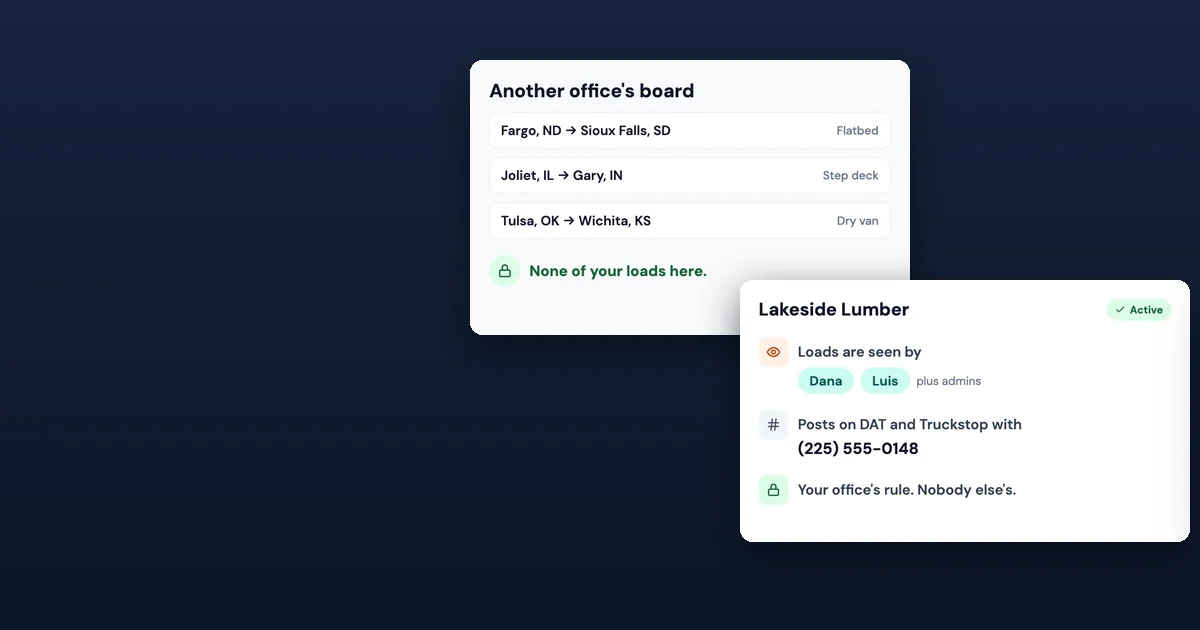
It took you two years to land Lakeside Lumber. They ship flatbeds three times a week, and you know their dock hours, their rates and the shipping clerk's first name. Then the brokerage moves everyone onto one shared board, and every agent can open it and see Lakeside's lanes and rates.
Agents put it to us plainly: nobody else should see my customer list. Here's why shared tools get this wrong, what it puts at risk, and how to decide exactly who sees each customer's loads.
Why shared boards show everyone everything
One board is the easy setup. Putting every office and every agent on one board is simple to set up and simple to support. Privacy becomes an afterthought.
Access is all or nothing. Some tools have one switch: you see the board or you don't. There's no way to say "this customer is mine, and these two people can work it."
The details travel with the load. A load carries the lane, the rate, the shipper and sometimes the contact. Show the load and you've shown the customer.
Carriers can see more than they should. A public post or a phone bot that reads out the customer's name tells every carrier who your customer is.
What it puts at risk
The customer you built. If anyone can see who ships what and at what rate, your best customer can be worked around you.
Trust with the customer. Shippers ask who sees their freight. "Everybody at the brokerage" is a hard answer to give.
Work that moves off the board. When agents don't trust the board, they keep loads in their own spreadsheets. Then loads get missed and nobody can see the whole day.
What any agent can do today
- Ask who can see what. Get your brokerage or your tool to tell you, in writing, who can see your customers and loads.
- Keep rates and contacts out of shared notes. Put them where only you and your team can read them.
- Give each customer one owner on your team, so everyone knows whose account it is.
- Check what carriers see. Look at your own posts and make sure the customer's name isn't on them.
Customer routing: you pick who sees each customer's loads
SmartLoads puts two walls around your customers.
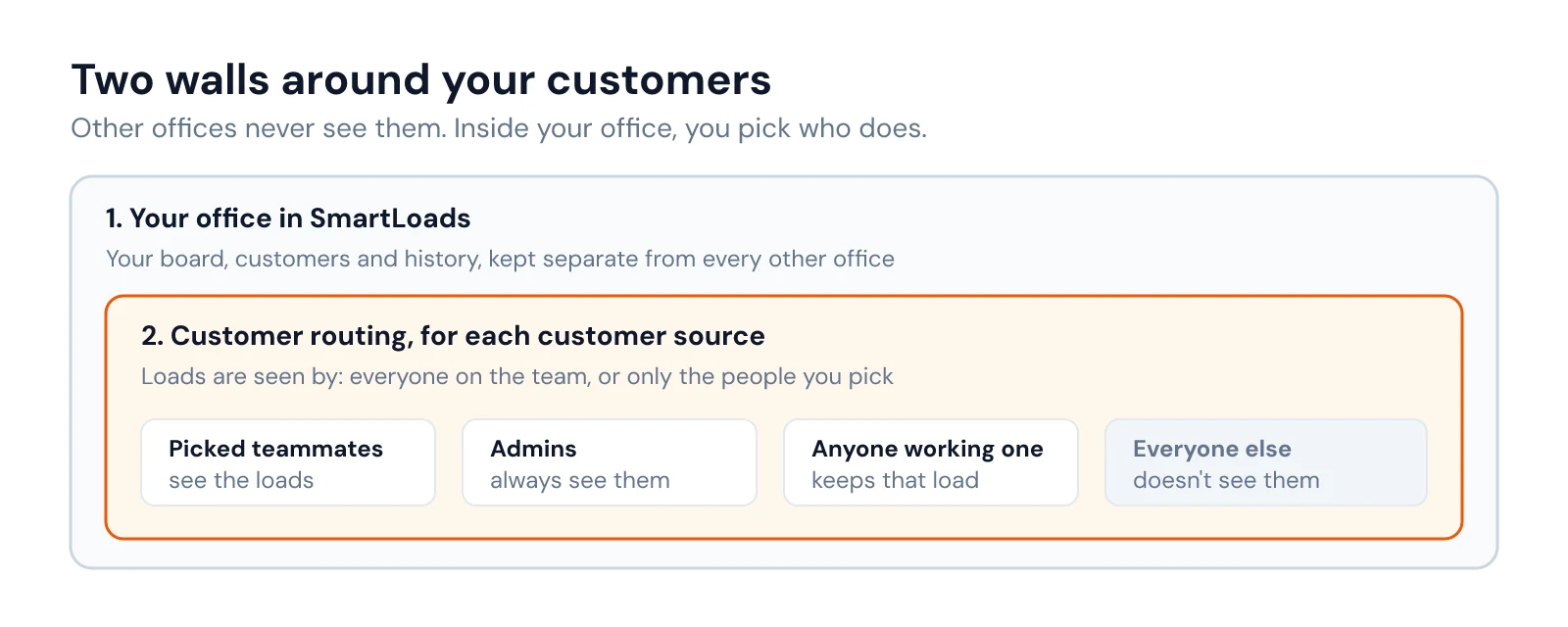
First, your office is your own. Each broker office's data is kept separate in SmartLoads: your board, your customers and your history. SmartLoads never shows your data to another broker office, and every change to the server code is checked automatically for missing access checks.
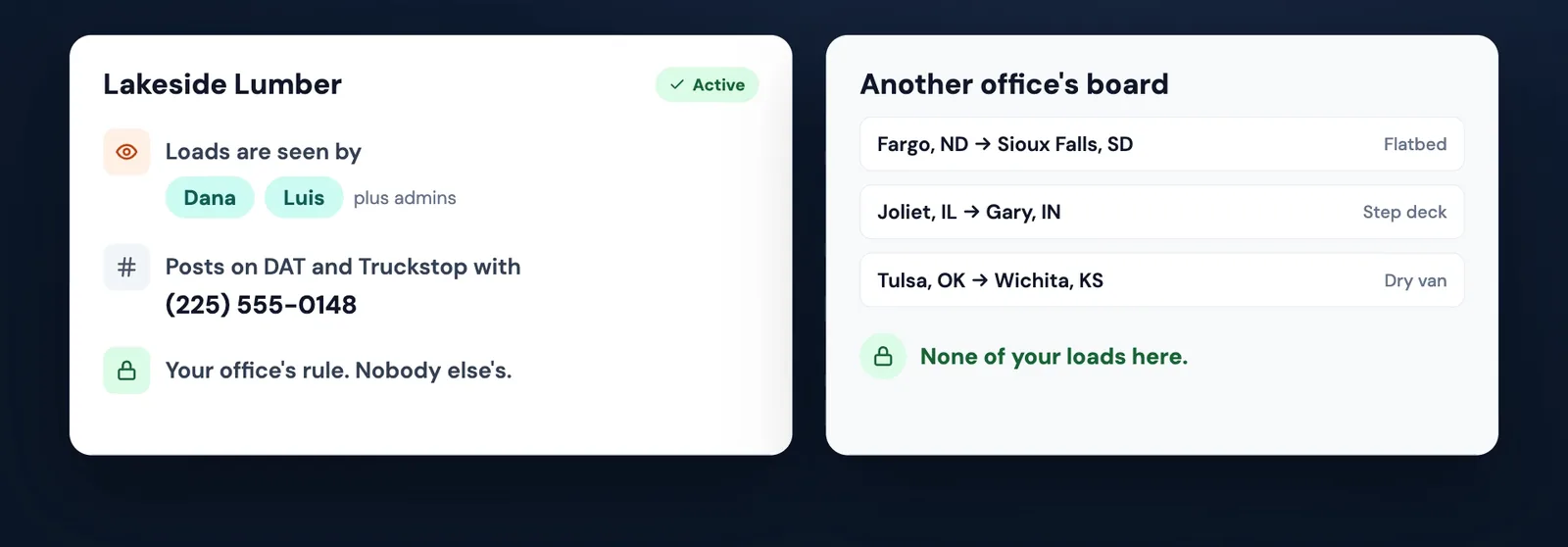
Second, inside your office, you choose. For each customer source, an admin sets who sees its loads: everyone on the team, or only the people you pick. The people you pick and your admins see those loads. Anyone already working one of them keeps it. Everyone else on the team doesn't see them on the board, in search, in dispatch or in accounting, because the database enforces the rule.
The same card covers how the customer is posted. You pick which phone number goes on that customer's DAT and Truckstop posts, which Truckstop account posts them, and which DAT login their DAT upload goes to. You can pause a rule, and every change is kept in a history written in plain words.
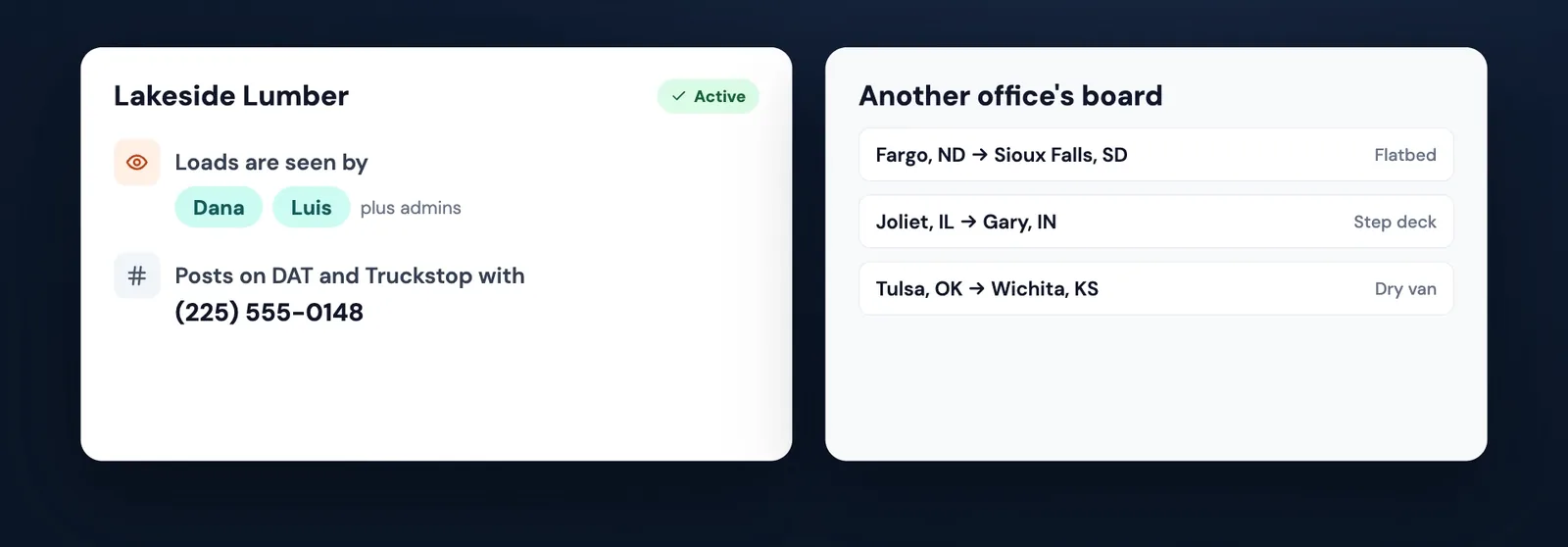
Carriers don't learn who your customer is. The public load board never shows the customer's name. SmartAgent, the super intelligence (SI) phone agent that answers carrier calls, gets each load without it. A person on your team books every load.
Support works under your rules. SmartLoads support looks at your account only to fix a problem, in a mode that hides names, phone numbers, emails, customers, carriers and rates. To see more, support has to ask your admin, who grants it for a set time and can end it at any moment. Every visit shows in your account's access log. A few internal tools, like missed-call follow-up, still read call records directly while we move them under the same rules.
Customer routing works per customer source. Customers that arrive together, through one shared TMS report or loads typed in by hand, share one rule for now.
What that adds up to:
- Your customers stay in your office. Other offices never see them.
- You decide who works each one, down to the person.
- Carriers never get the customer's name from your public load board or from SmartAgent on a call.
The video at the top shows it in a few seconds, and the SmartLoads home page has the rest of the tools. For how an agent office and the brokerage split the work, read agent office vs. back office. Agents also told us that putting the loads in eats the morning. This is one of six things agents told us: watch all six on the page for people who want to become freight agents. To see exactly how your data is handled, read Your data is yours.
Frequently asked questions
Can another office see my customers in SmartLoads?
No. Each broker office's data is kept separate. SmartLoads never shows your data to another broker office.
Can I hide a customer's loads from people on my own team?
Yes. For each customer source, an admin can set its loads to be seen only by the people you pick. Admins and anyone already working one of those loads still see it.
Does a carrier see my customer's name?
Not on the public load board, and not from SmartAgent on a call. The loads they get leave the customer's name out.
Can SmartLoads support see my data?
Only to fix a problem, in a mode that hides names, phone numbers, emails, customers, carriers and rates. Seeing more takes your admin's OK, for a set time, and every visit shows in your access log. A few internal tools, like missed-call follow-up, still read call records directly while we move them under the same rules.